



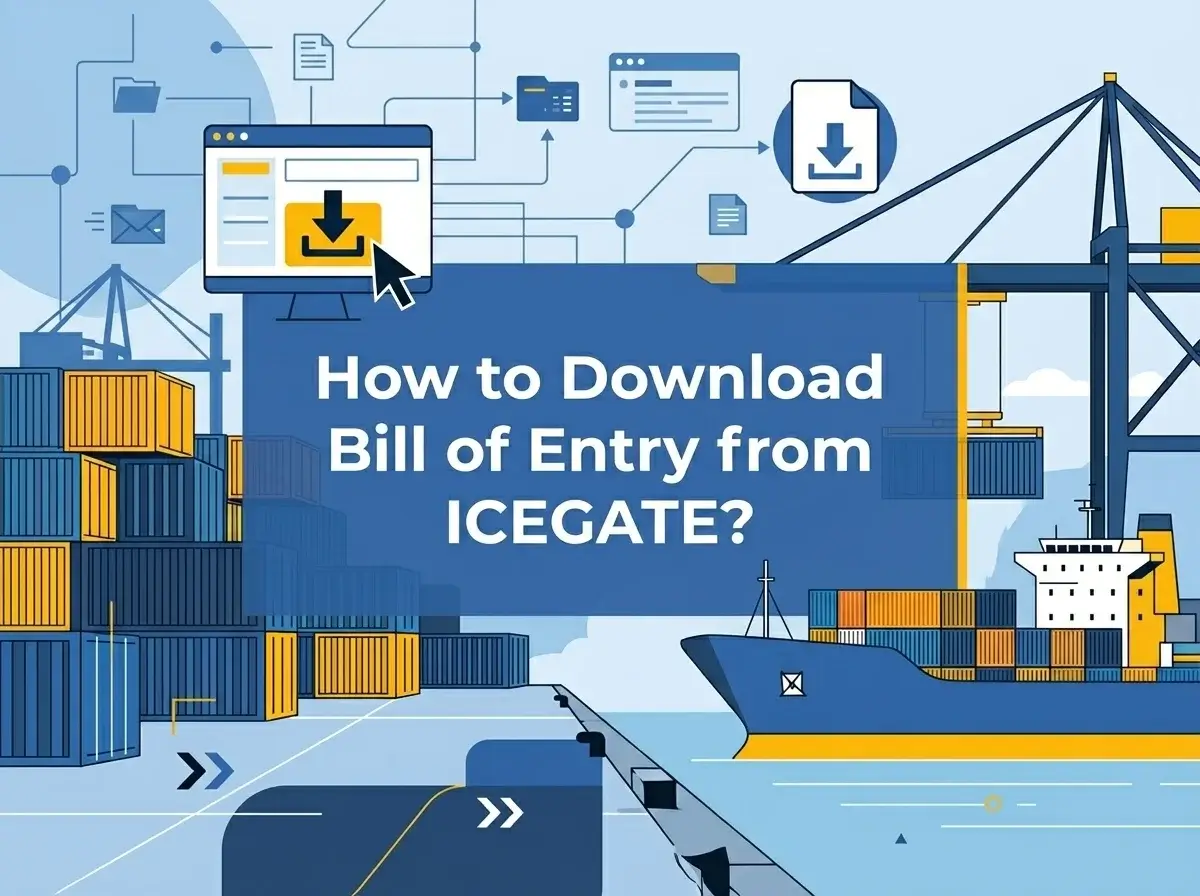
A certified copy of your bill of entry from ICEGATE is essential for GST ITC claims, customs audit defence, bank submissions, and account reconciliation. This step-by-step guide shows you exactly how to download it — whether you are the importer or a CHA.
Why You Need a Downloaded Copy of Your Bill of Entry
- GST ITC claim: Proof that IGST was paid on the import
- Customs audit: CBIC audits require BoE copies for 5 years from date of clearance
- Bank / LC settlement: Banks often require BoE copies to close import LCs
- Import license utilization: Advance Authorization and other DGFT licenses require BoE copies for redemption
- Transfer pricing documentation: For related-party imports, BoE supports customs valuation records
Two Ways to Access Your Bill of Entry on ICEGATE
If you need a refresher on the broader ICEGATE filing process before downloading your copy, see our ICEGATE bill of entry filing guide.
Method 1: Importer Direct Access
Importers registered on ICEGATE with an active ICE Gate login can access their own BoEs directly.
- Go to icegate.gov.in and log in with your registered email and password (or use the unified Indian Customs portal)
- Navigate to Services > Document Inquiry or BoE Status Inquiry
- Enter: Bill of Entry number, Port Code, and BoE Date
- Click Search — your filed BoE details will appear
- Click Print / Download PDF to save a copy
Method 2: Through Your CHA's ICEGATE Login
Most CHAs file on behalf of importers and have access to all BoEs they filed. To get a copy:
- Contact your CHA with the shipment details (BL number, port, arrival date)
- Request the certified BoE copy from their ICEGATE filing records
- They can email you the PDF or provide it via their client portal
ICEGATE BoE Document Inquiry — Field by Field
| Field | Where to Find It |
|---|---|
| Bill of Entry Number | ICEGATE acknowledgement / CHA filing receipt |
| Port Code | 3-letter code (e.g., INNSA1 = JNPT; INMAA1 = Chennai) |
| BoE Date | Date the BoE was filed (not vessel arrival date) |
| ICE Gate ID | Your ICEGATE registered user ID |
What the Downloaded BoE Contains
A typical ICEGATE bill of entry PDF includes:
- Importer name, address, GSTIN, and IEC
- Customs port and entry number
- Vessel/flight and BL/AWB details
- All item lines: HS code, description, quantity, unit, CIF value
- Assessable value calculation (CIF + landing charges)
- Duty breakdown: BCD, SWS, IGST, total duty payable
- Examination order (if issued) and channel (Green/Yellow/Red)
- Out-of-charge date and officer signature
Common Problems and How to Resolve Them
| Problem | Likely Cause | Solution |
|---|---|---|
| BoE not found on ICEGATE | BoE filed by CHA under their login, not your ICE ID | Ask your CHA for a certified copy |
| PDF shows "Under Assessment" | BoE not yet processed | Wait for out-of-charge; check status |
| GSTIN missing from BoE PDF | GSTIN was not entered at filing | File a BoE amendment to add GSTIN before claiming ITC |
| ICEGATE portal login not working | Password expired or DSC issue | Reset via ICEGATE helpdesk or use CHA |
| Old BoE (pre-2016) not on ICEGATE | Pre-digitization records | Contact respective port customs for manual copy |
How to Download an Old Bill of Entry from ICEGATE
Old bills of entry — from a previous financial year or several years back — can still be retrieved, but the right path depends on how old the record is and who filed it:
- Filed 2016 or later: use the same ICEGATE document enquiry described above. Enter the exact BoE number, date, and port code — an old bill of entry will not surface if the date is wrong, so pull the details from your CHA filing receipt or purchase records first.
- Filed by a CHA: if the BoE was filed under the CHA's login, it will not appear under your own ICEGATE ID regardless of age. Ask the CHA for the PDF from their filing records.
- Pre-2016 (pre-digitization): these records are generally not available on ICEGATE. Apply in writing to the customs house at the port of clearance, quoting the BL/AWB number and approximate date — they can retrieve the record from the ICES system and issue a certified bill of entry copy for a nominal fee.
This is also the fastest way to get a bill of entry copy online when the original PDF was never saved at clearance — commonly needed for GST audits, EPCG or Advance Authorization redemption, and legal proceedings.
Downloading Other Documents from ICEGATE (Shipping Bill, Challan, Payment Receipt)
The same ICEGATE login and enquiry tools that retrieve a bill of entry also give you export and payment documents. The menu differs slightly by document type:
| Document | Where to download on ICEGATE |
|---|---|
| Shipping bill (export) | Log in and open Services > SB Status Enquiry. Enter the shipping bill number, port code, and date, then print or save the PDF. Exporters need this for drawback, RoDTEP, and GST refund claims. |
| Duty payment challan | Go to ICEGATE e-Payment > Transaction / Payment History, locate the challan by BoE number or CRN, and download the paid challan receipt. |
| Payment receipt | Same e-Payment section — every successful transaction shows a printable receipt with the challan reference number (CRN) and bank details. |
| Bill of lading / AWB | The bill of lading is not an ICEGATE document — it is issued by your shipping line or airline. ICEGATE only shows the BL/AWB number carried on the IGM and your bill of entry; for the actual BL copy, contact your carrier or freight forwarder. |
The shipping bill download flow mirrors the bill of entry steps above — the difference is that a shipping bill is an export declaration, not an import one, so it appears under the exporter's ICEGATE login rather than the importer's.
How Long Should You Keep BoE Records?
Under the Customs Act, 1962 and CGST Act, 2017:
- Keep all import records (including BoE copies) for at least 5 years from the date of assessment
- For Advance Authorization / EPCG license imports: retain until the license obligation is fulfilled and export obligation redemption is complete
- For transfer pricing cases: 8–10 years is recommended given the extended scrutiny window
Frequently Asked Questions
Can I get a physically certified BoE copy from customs?
Yes. You can apply to the concerned customs house (the port where goods were cleared) for a physically certified copy. This is useful for court proceedings or formal import license redemption. There is a nominal fee per copy.
My CHA has shut down. How do I get my old BoE copies?
Contact the customs house at the relevant port. File a written application with shipment details (BL number, port, approximate date). They can retrieve records from the ICES system.
Is the ICEGATE PDF accepted as proof for GST purposes?
Yes. The ICEGATE-generated PDF is accepted as a valid document for ITC claims and GST audit purposes. No physical stamp is required for routine compliance.
Related: ICEGATE filing guide · ITC on bill of entry · Track BoE status
Comments (0)
No comments yet. Be the first to share your thoughts!
Leave a comment
Your comment will appear after it's reviewed. Your email is never shown publicly.